How to Create Full Albums on Suno and Publish Them to YouTube
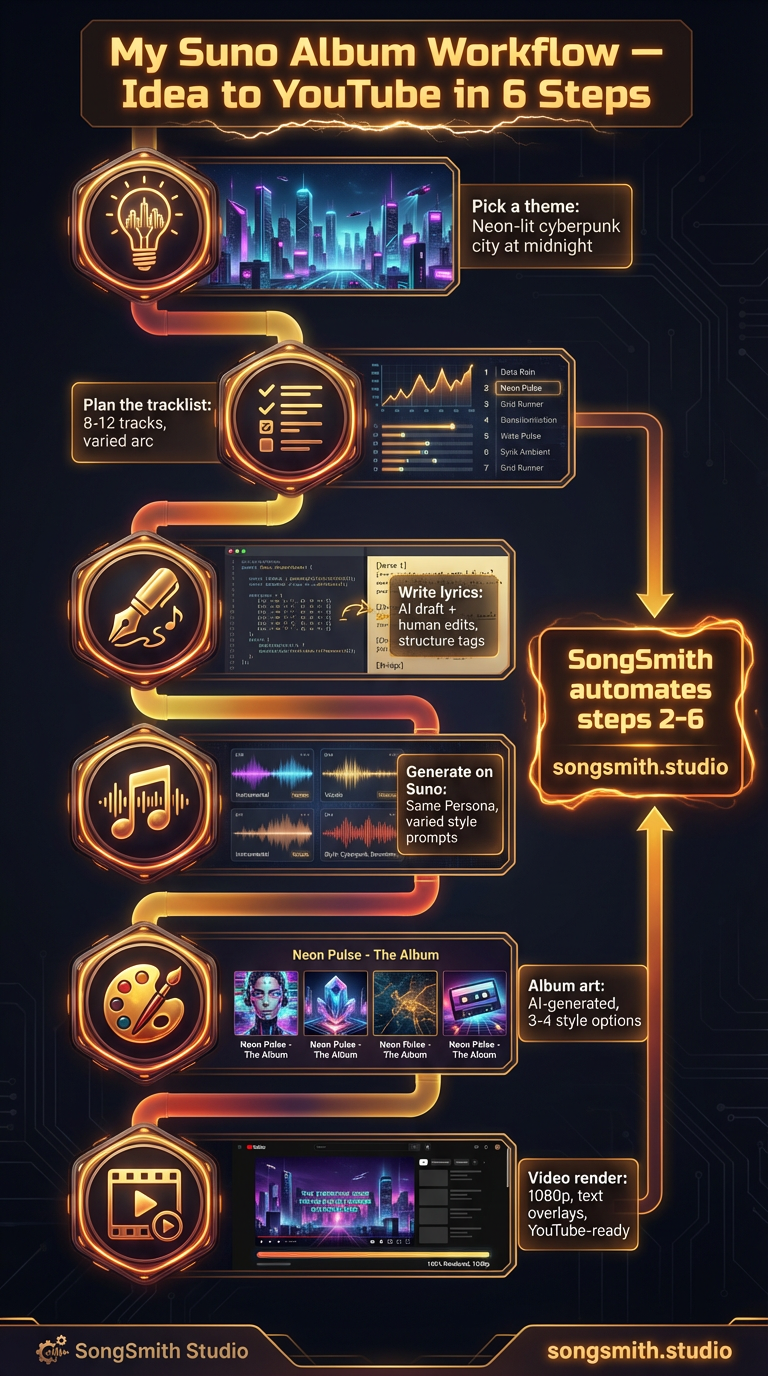
Creating full albums on Suno and publishing them to YouTube is the dream workflow for many AI music creators. It combines creative expression with passive income potential. The good news: once you dial in your process, you can go from concept to finished album video in under an hour.
The 6-Step Album Workflow
Step 1: Pick a Theme
Every great album starts with a strong concept. Instead of "electronic music," think "neon-lit cyberpunk city at midnight." A vivid theme guides all your lyrics, instrumentation choices, and album art. It becomes the DNA of every track.
Step 2: Plan the Tracklist
Before generating anything, map out your songs. Plan 8-12 tracks with varied emotional arcs. Include uptempo energy tracks, slower ballads, something experimental, and a strong closer. Write down working titles and note whether each song leans upbeat, melancholic, energetic, or ambient.
Step 3: Write Lyrics for Every Track
Write or draft lyrics that fit your theme and tell a cohesive story across the album. Use AI tools to help with initial drafts, then edit them to match your vision. Most importantly, always include structure tags for Verse, Chorus, and Bridge sections. These tags are what turn a blob of sound into a real song structure.
[Verse 1]
Your first verse lyrics

[Chorus]
Your chorus lyrics

[Bridge]
Your bridge lyrics
Step 4: Generate on Suno
Use the same Persona across all tracks for vocal consistency. Each song gets its own style prompt, but they should share genre DNA, all tracks from the same album should feel connected, not like random songs.
Generate 2-3 versions of each track and pick the winner before moving to the next song. This takes time but ensures quality.
Step 5: Create Album Art
AI-generated cover art should match the album's mood and theme. Try 3-4 different styles before committing to one. The cover is what people see in their YouTube feed. It's worth spending extra generation credits here.
Step 6: Render Your Album Video
Each album needs a video for YouTube. The standard format is album art as background, track titles overlaid as text, and the full album audio stitched together. Output should be 1080p minimum. This is the step that used to take hours.
Accelerating the Workflow
The bottleneck for most creators is the admin work: organizing lyrics, batch-generating, compositing video, managing asset files. Tools like SongSmith automate steps 2-6. Planning, batch creation, art generation, and video rendering all in one interface. What used to take 2-3 hours per album drops to 20-30 minutes.
Consistency Across the Album
- Same Persona = consistent vocals, if you switch voices mid-album, it feels disjointed
- Shared genre elements: all tracks should have DNA in common (e.g., all synthwave-adjacent, all lo-fi-influenced)
- Cohesive lyrics: each song should reference or echo the album's central theme
- Unified production quality: use the same production descriptors (e.g., "polished studio mix") across all tracks
Pro tip: Create an album template. Document your theme, chosen Persona, base genre descriptors, and cover style. Reuse this template for future albums in the same series. It cuts planning time in half.
Publishing Strategy
Once your album video is rendered, upload it to YouTube with a descriptive title (not "AI Album #47"), a detailed description with timestamps, and tags that match your theme. A consistent upload schedule matters more than perfection.
Conclusion
Full albums represent the highest expression of what you can do with AI music generators. From concept to YouTube, the workflow is repeatable and scalable. Pick your theme, plan your arc, write intentional lyrics, generate with consistency, and render a professional video. Do this once a week and you've got a viable YouTube channel.
Automate your Suno workflow
SongSmith handles the entire pipeline — AI lyrics, Suno generation, album art, and 1080p video — so you can focus on the music.
Get started freeKeep reading
![Vertical layout showing 4 numbered methods with icons: Repeat icon for Continue feature, Document icon for Longer lyrics, Flag icon for [Outro] tag, Speedometer icon for BPM control. Each shows a brief explanation and benefit. Bottom includes a pro tip about fixing style drift during extensions.](/_next/image?url=%2Fblog%2F04-how-to-make-full-length-songs-on-suno.jpeg&w=3840&q=75)
Four Methods to Extend Your Suno Tracks to 3–5 Minutes
Stop getting 1-minute clips. Learn 4 proven methods to make full-length Suno songs: Continue feature, longer lyrics, [Outro] tags, and BPM control. Plus a bonus tip for style drift.
3 min read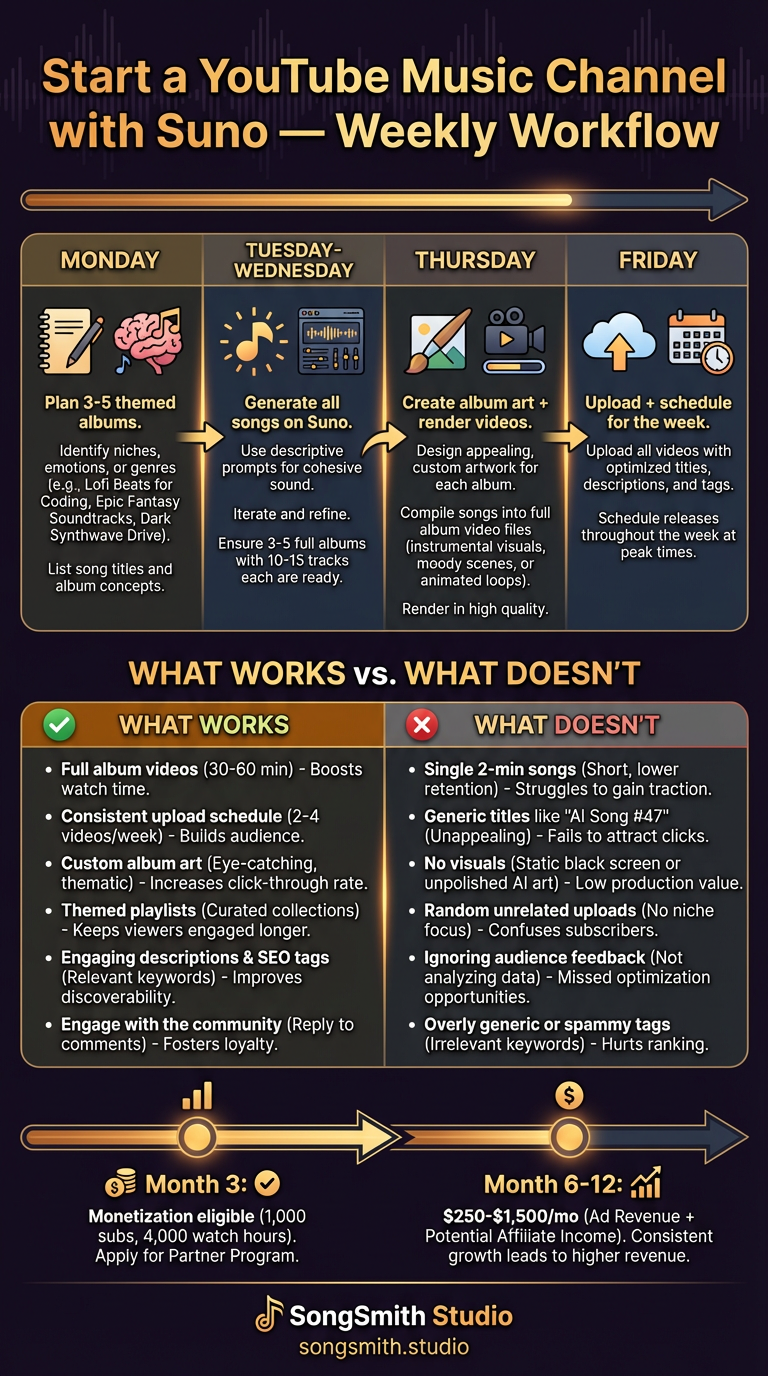
Start a YouTube Music Channel with AI-Generated Music from Suno
Learn the proven weekly workflow for launching a YouTube music channel with Suno. What works (lo-fi, albums, themes), what doesn't (single songs, bad titles), and video specs that get views.
3 min read