Verse 2 Sounds Identical to Verse 1? 6 Tricks That Make It Different on Suno
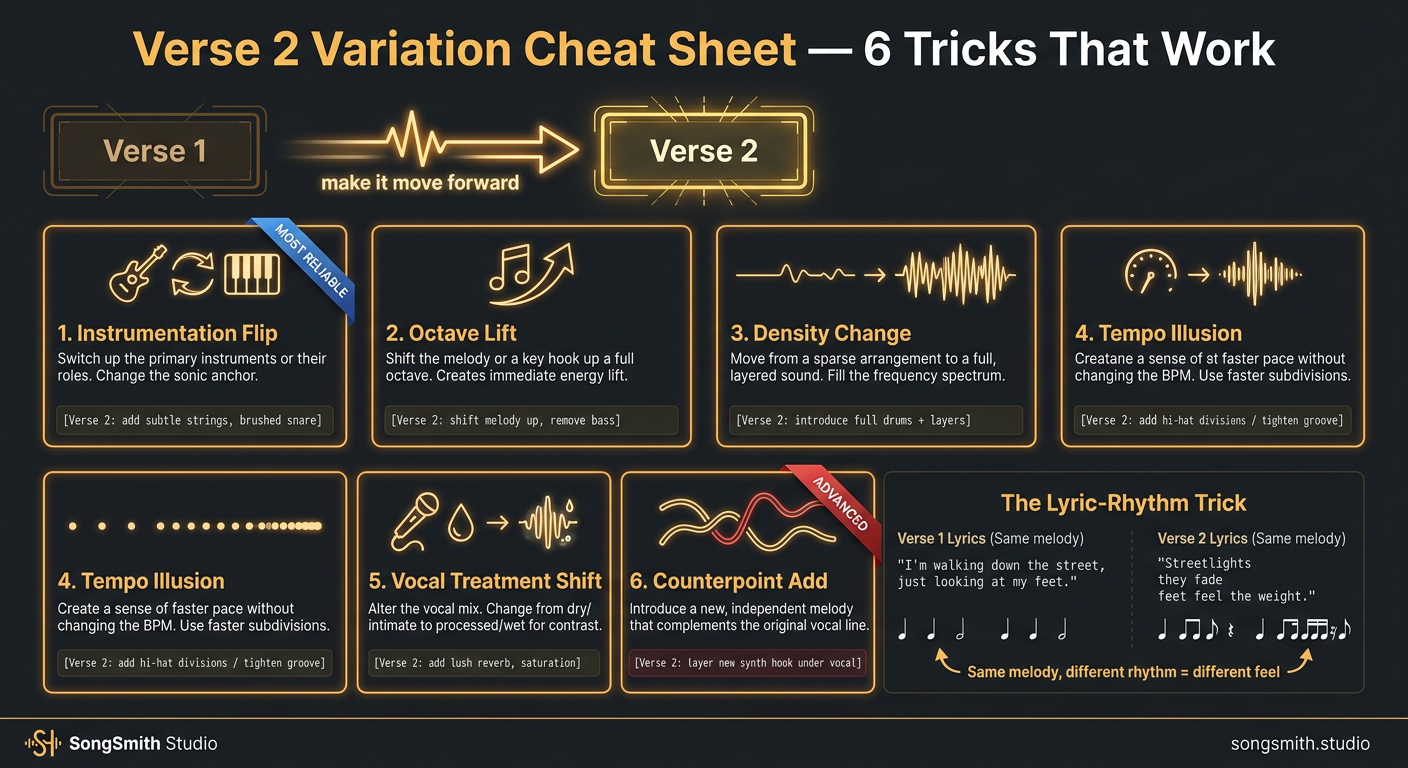
If Verse 1 and Verse 2 sound identical, your song feels static, even if the chorus is killer. Listeners zone out by the second verse. The fix is intentional contrast, and Suno can deliver it if you tell it how. Here are 6 techniques, ranked from most-to-least Suno-friendly.
1. The Instrumentation Flip (most reliable)
Add or remove an instrument starting in Verse 2:
[Verse 2: add subtle strings, brushed snare instead of kick]Suno respects this almost every time. Easiest lever.
2. The Octave Lift
Have the vocal jump up an octave for Verse 2:
[Verse 2: vocal up an octave, more falsetto, lighter delivery]Works best with male vocalists; female voices may already be at a ceiling.
3. The Density Change
Verse 1 sparse, Verse 2 fuller (or reverse):
[Verse 1: sparse, vocal and acoustic guitar only]
...
[Verse 2: full band, layered harmonies, bigger]
The reverse (Verse 1 full, Verse 2 stripped) is more emotional but less common.
4. The Tempo Illusion
Use rhythm-based language to imply tempo change without changing BPM:
[Verse 2: double-time hi-hats, rhythm tightens, urgent feel]Suno's BPM stays the same, but the feel changes. This is the trick that makes verses feel like they're accelerating.
5. The Vocal Treatment Shift
Verse 1 dry, Verse 2 wet (or reverse):
[Verse 1: dry close-mic vocal, intimate]
...
[Verse 2: spacious reverb, distant vocal, dreamier]
This works incredibly well for emotional turn. The vocal literally sounds further away.
6. The Counterpoint Add (advanced)
Drop a second melodic element in Verse 2:
[Verse 2: add humming counter-melody, female backing harmony]Riskiest because Suno's interpretation varies, but when it works, it's the most musical option.
The structural trick most people miss
Don't just change the production of Verse 2. Change the lyric structure too.
If Verse 1 was 4 lines of similar length, make Verse 2 have a longer line, a shorter line, or a question. Same melody, different word-shape = different feel. Example:
Verse 1: "I was driving down the highway / Tail lights blinking in the rain / Thought about what you said yesterday / Wondering if you felt the same"
Verse 2: "Then I saw your car parked outside / Lights still on, engine humming / All the things I planned to say tonight / Vanished. You walked out. I'm coming."
Same number of lines, totally different rhythm. Suno's vocal melody adapts.
Pro tips
- Stack 2 of these techniques together for max contrast. Don't stack 3+, too chaotic.
- The instrumentation flip + lyric-rhythm change is the most reliable combo.
- If Suno still gives you identical verses, the problem is your style prompt has too much "consistent" energy. Add
dynamic, evolving, builds across versesto the style prompt. - Use Suno's "Replace Section" feature on Verse 2 only if 1 fix isn't enough, preserves the rest of the song.
Save this for your next song. Which trick are you trying first?
AI-generated lyrics with structure built in
SongSmith generates complete lyrics with [Verse], [Chorus], and [Bridge] tags already in place — ready for Suno Custom Mode.
Get started freeKeep reading
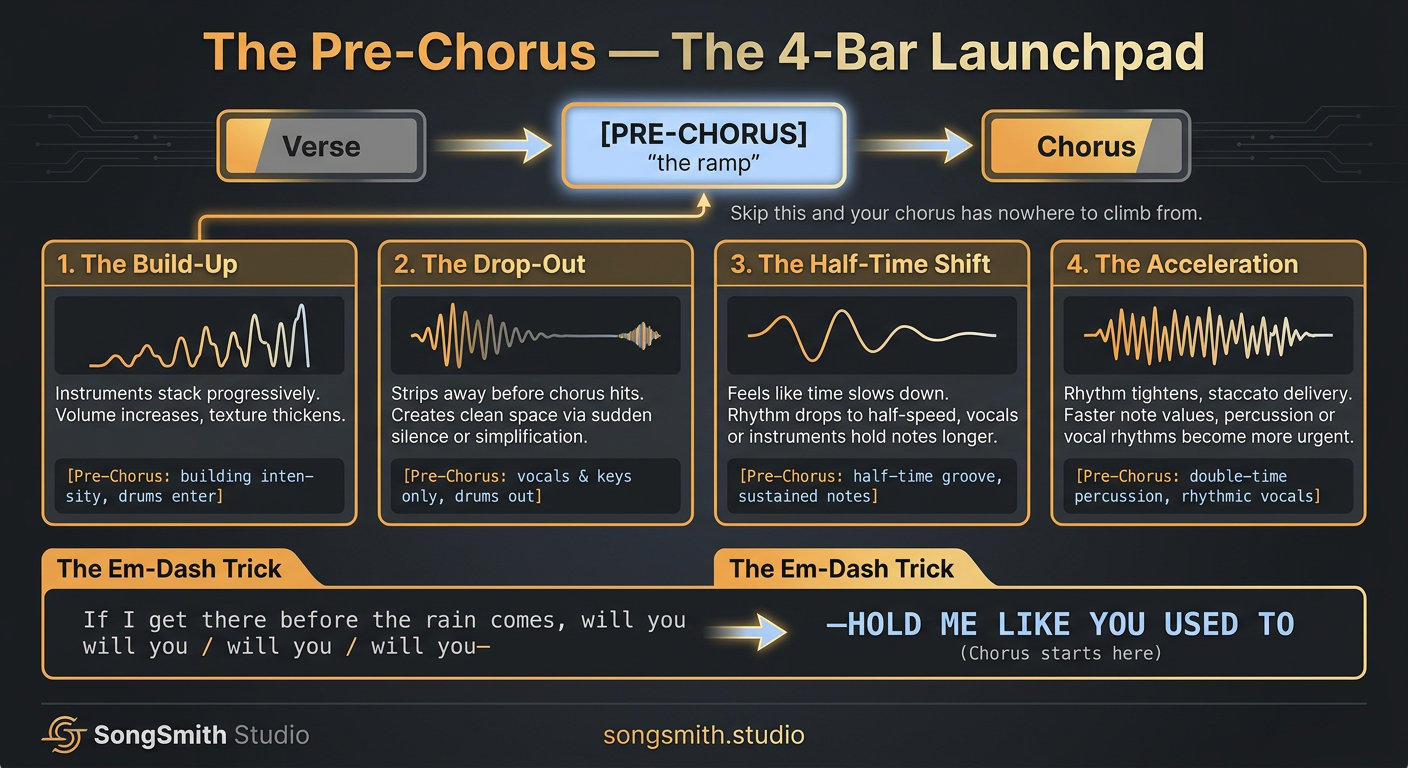
Pre-Chorus Mastery on Suno: The 4-Bar Launchpad That Makes Choruses Land
The pre-chorus is the launchpad. 4 archetypes (build-up, drop-out, half-time, acceleration), the em-dash lyric trick, and Suno tags that make choruses hit twice as hard.
2 min read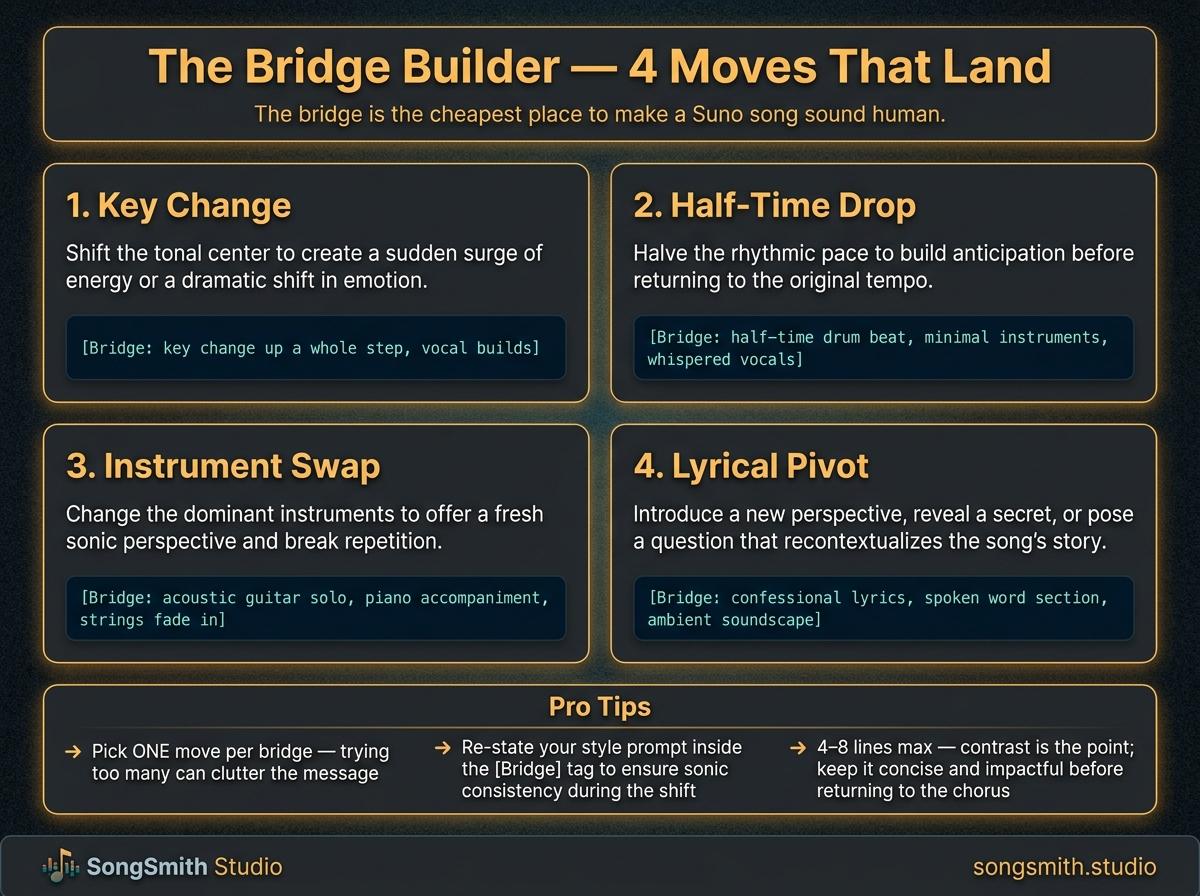
The Bridge Builder: Make [Bridge] Sections Land Every Time on Suno
Suno bridges are where AI songs sound most like AI. Learn the 4 reliable bridge moves (key change, half-time, instrument swap, lyrical pivot) with copy-paste examples.
4 min read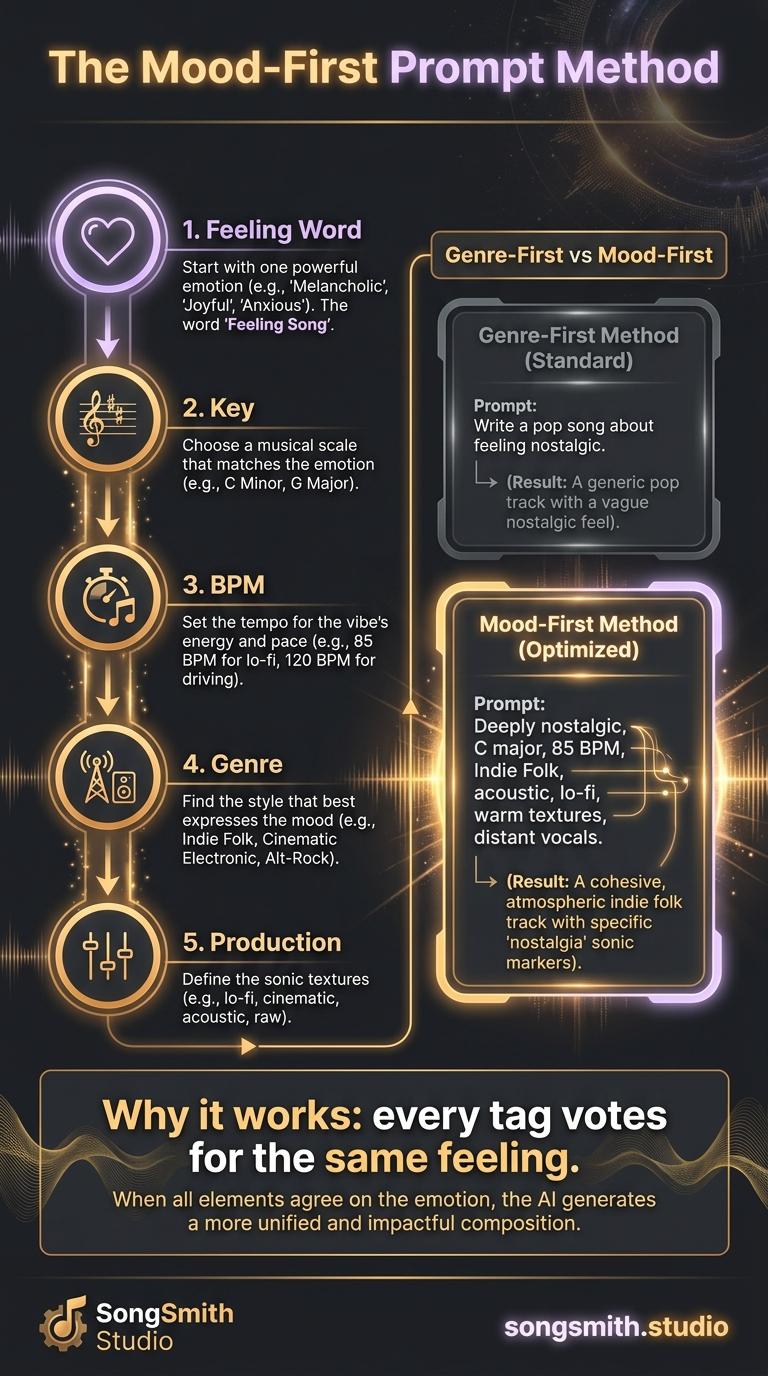
The Mood-First Prompt Method: Reverse the Suno Formula
Stop starting Suno prompts with genre. Lead with mood, key, and BPM instead, and watch coherence and emotional impact jump. Full method + before/after example.
3 min read