The Suno Master Template Library: Style Box, Vocal Control, Full Output (Save These 4 Templates)
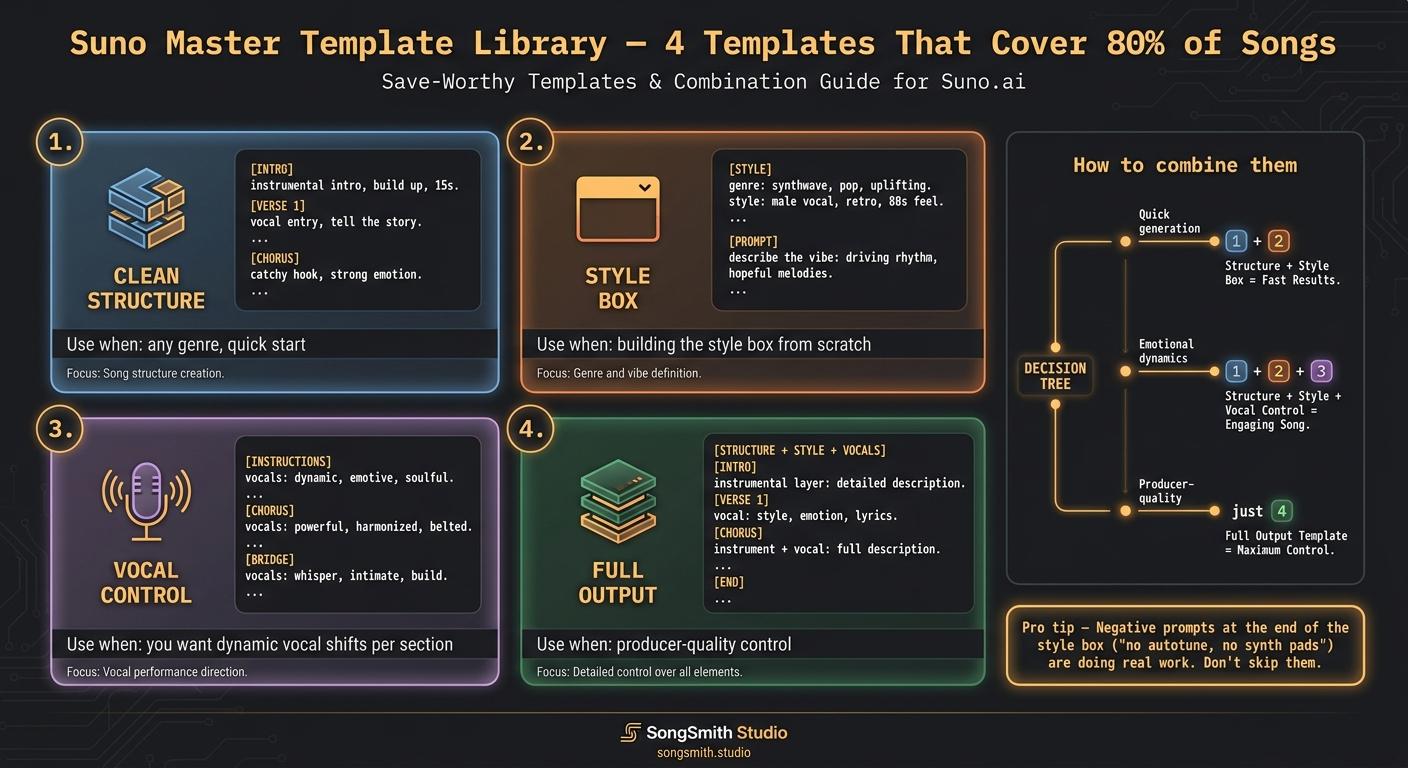
These are blank scaffolds. Copy the one you need, fill in the bracketed placeholders, generate. They're built from the patterns that consistently produce coherent songs across pop, rock, R&B, country, electronic, and singer-songwriter.
Template 1: The Clean Structure (for any genre)
Drop into the lyrics field. Replace [your lyrics] with your actual lines. Works for ~80% of songs.
[Intro] [Instrumental]
[Verse 1] [Soft] [your lyrics]
[Pre-Chorus] [Building] [your lyrics]
[Chorus] [Powerful] [your lyrics]
[Verse 2] [your lyrics]
[Chorus] [your lyrics]
[Bridge] [Quiet] [Intimate] [your lyrics]
[Chorus] [Climactic] [your lyrics]
[Outro] [Fade Out]
Why it works: builds a verse-chorus-verse-chorus-bridge-chorus arc with dynamic guidance at each section. The intensity tags ([Soft], [Building], [Powerful], [Climactic]) tell Suno how each chorus should escalate vs the last one.
Template 2: The Style Box (paste in the style prompt field)
Genre, subgenre, BPM, musical key, mood, energy, vocal description, 2-3 instruments, mix intent, production style, then negative prompts.
[genre], [subgenre], [tempo] BPM, [musical key], [mood], [energy], [vocal description], [2-3 instruments], [mix intent], [production style], no [unwanted element], no [unwanted element]
Worked example (synth-pop):
synth-pop, 80s-inspired, 118 BPM, A minor, euphoric and nostalgic, powerful female vocals with layered harmonies, analog synth pads, punchy drum machine, Moog bass, polished radio-ready production, no acoustic instruments, no male vocals
Why it works: the order matters. Genre first (carries strongest weight). Mood second. Vocal description in the middle (Suno reads left-to-right, so this gets prioritized). Instruments narrow the sound. Negative prompts last (Suno hears "no X" as "do something else"). Musical key right after BPM. Suno defaults to C major ~70% of the time when you skip it, which kills emotional intent. (See the Suno Key Cheat Sheet post for the full emotional-fingerprint guide.)
Template 3: Vocal Control (for the lyrics field, specifically when you want sectional dynamics)
[Verse 1] [Female Vocal] [Whispered] [Intimate] (lyrics)
[Pre-Chorus] [Building intensity] [Belted approach] (lyrics)
[Chorus] [Belted] [Powerful] LYRICS IN CAPS FOR EXTRA IMPACT (backing vocals echo)
[Bridge] [Spoken word] [Crying voice] (lyrics)
[Final Chorus] [Belted] [Crowd-style backing] [Climactic] LYRICS IN CAPS
Why it works: each section gets a vocal-style instruction. The verse is whispered and intimate, the chorus belts, the bridge breaks into spoken-crying for emotional whiplash (the "killer combo"), the final chorus adds crowd-style backing for stadium energy. Suno honors per-section vocal direction much more than a single style-box vocal description.
Template 4: The Full Output (lyrics + structure tags + style stacking, all in one)
Style Prompt (style box): [Primary Genre], [Secondary Genre optional], [Mood], [Key Instruments], [BPM], [Key/Scale]
Lyrics Field: [Mood: X] [Energy: Y]
[Intro | stacked style tags] (opening hook or atmosphere)
[Verse 1 | stacked style tags] [Vocal: style | mix] lyric line lyric line
[Pre-Chorus | build tag] lyric line
[Chorus | anthemic tags | energy tag] hook line hook line
[Verse 2 | stacked style tags] lyric line lyric line
[Bridge | contrast tag | breakdown] lyric line
[Final Chorus | Energy: High | full band] hook line hook line
[Outro | fade or big finish tag] closing line
Why it works: combines structure, mood/energy headers at the very top, pipe-stacked section tags (the | operator that turns one bracket into a category instruction), per-section vocal direction, and dynamic energy across sections. This is what producer-quality prompts look like end to end.
Worked example (indie rock):
Style Prompt: alt-rock, indie rock, melancholic, electric guitars and drums, 132 BPM, in E minor
Lyrics: [Mood: Melancholic] [Energy: Building]
[Intro | indie rock | clean guitar arpeggio | light snare] (soft guitar intro, 8 bars)
[Verse 1 | sparse arrangement | dry vocal | close-mic] [Vocal: raspy male tenor | breathy] Walking through this empty town Every light is shutting down
[Pre-Chorus | drums enter | building tension] And I keep telling myself This isn't where I'm supposed to be
[Chorus | full band | anthemic | distorted guitar wall | Energy: High] SO I'M LEAVING, I'M LEAVING TONIGHT SAY IT'S OVER, IT'S OVER ALRIGHT
[Verse 2 | full band | driving feel] [Vocal: raspy male tenor | confident] Suitcase open by the door Couldn't stay another night more
[Bridge | breakdown | drums drop out | piano enters] And in the silence I can hear Everything I left in fear
[Final Chorus | full band return | stacked harmonies | crowd-style backing | Energy: Max] I'M LEAVING, I'M LEAVING TONIGHT SAY IT'S OVER, IT'S OVER ALRIGHT I'M LEAVING, I'M LEAVING TONIGHT
[Outro | fade out | guitar arpeggio returns | distant] (echo: leaving tonight... leaving tonight...)
How to use these:
- For a quick generation: Template 1 + Template 2. Drop Template 1 in lyrics, Template 2 in style box, fill in placeholders, generate.
- For an emotional song with clear dynamic shape: Template 1 + Template 2 + Template 3 (vocal control overrides).
- For a producer-quality result: Template 4 alone. The full-output template carries everything Template 1-3 do, plus pipe-stacked section tags.
Pro tips:
- These are starting points, not final prompts. Customize the bracketed instructions per song.
- Don't change Template 1's structure for your first attempt at a new song. The default works because it follows the verse-chorus-verse-chorus-bridge-chorus arc that 90% of pop songs use.
- Template 2's negative prompts at the end are doing real work. Don't skip them. "no autotune, no synth pads" is what stops Suno from defaulting to its averages.
- Template 4 uses pipe-stacking, if you haven't seen this syntax, see post 56. It's the
|operator that lets you stack multiple modifiers in one bracket. - I built SongSmith partly because typing these templates from scratch every session was killing my workflow. The app saves your favorites as one-tap starting points. Free to try.
Save this whole post. Which template are you using first? Drop yours below and tell me what genre you're using it on.
Create your first Suno album on SongSmith
From a single idea to a complete, YouTube-ready album. AI lyrics, Suno automation, album art, and video rendering — all in one workflow.
Get started freeKeep reading
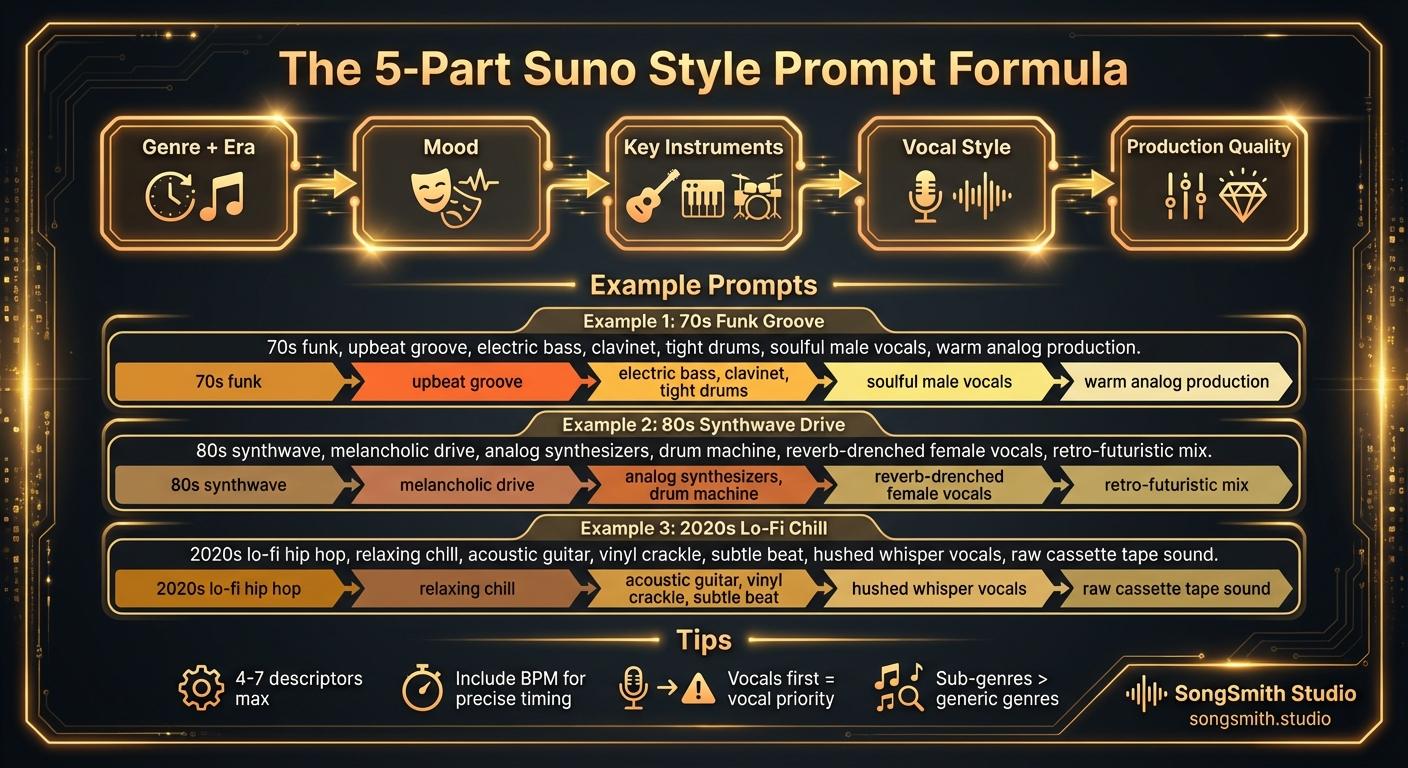
Craft Precise Style Prompts Using This Battle-Tested Formula
Master the 5-part formula for Suno style prompts: Genre + Era, Mood, Instruments, Vocal Style, Production. Learn tips for better results and example prompts that work.
2 min read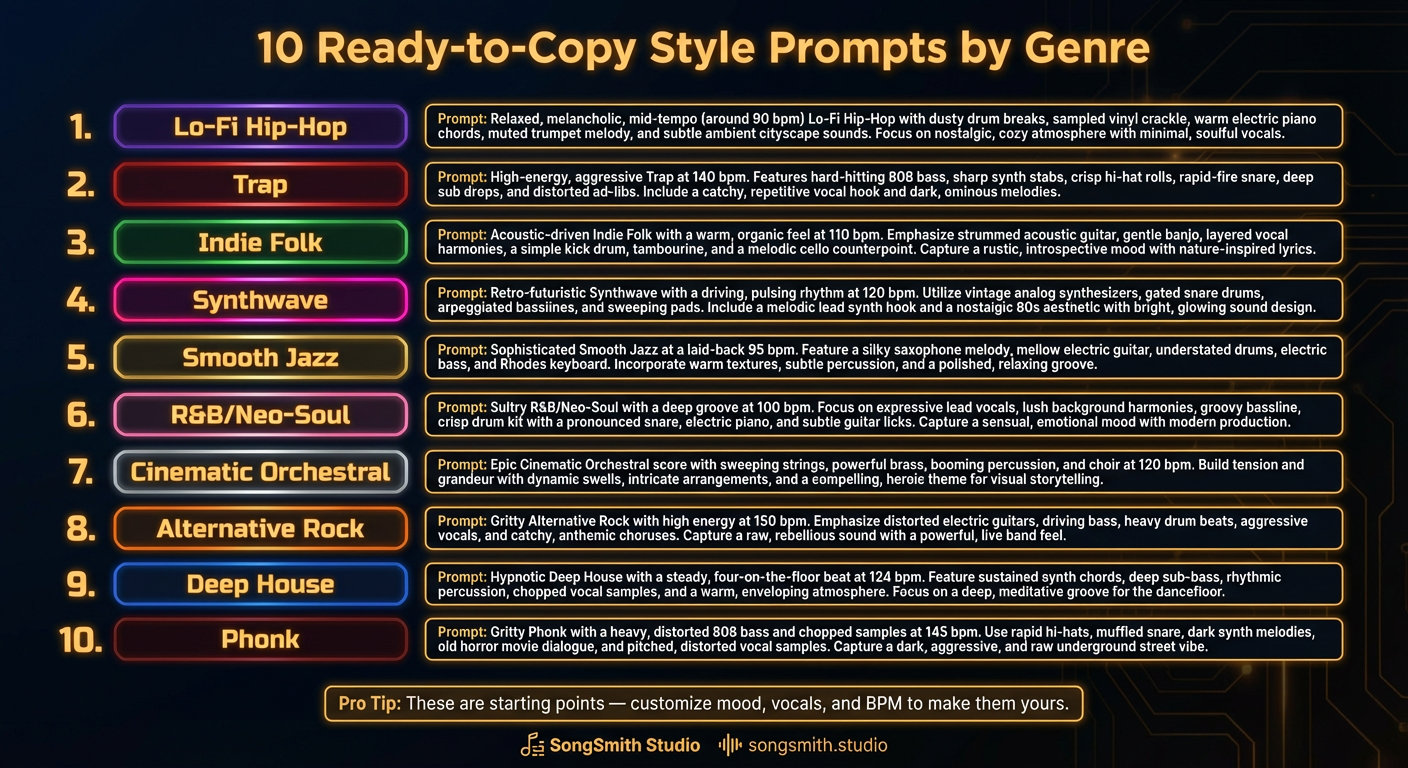
10 Ready-to-Copy Style Prompts by Genre
Copy 10 battle-tested Suno style prompt templates: lo-fi, trap, indie folk, synthwave, smooth jazz, neo-soul, orchestral, alt rock, deep house, phonk.
3 min read![Technique infographic titled 'Pipe Stacking: The | Operator' showing the format [core | era | tone | quirk] with color-coded segments, 5 worked example cards, and a rules callout box.](/_next/image?url=%2Fblog%2F56-suno-pipe-stacking-masterclass.png&w=3840&q=75)
Pipe Stacking on Suno: The | Operator That Turns One Tag Into Producer-Level Control
The pipe operator stacks multiple modifiers into one bracket as a single AND-instruction. Format, rules, 5 worked examples (Classic Rock to Trap), and category-style tag upgrades.
2 min read