Your Suno Song Sounds Off: The 60-Second Diagnosis Checklist
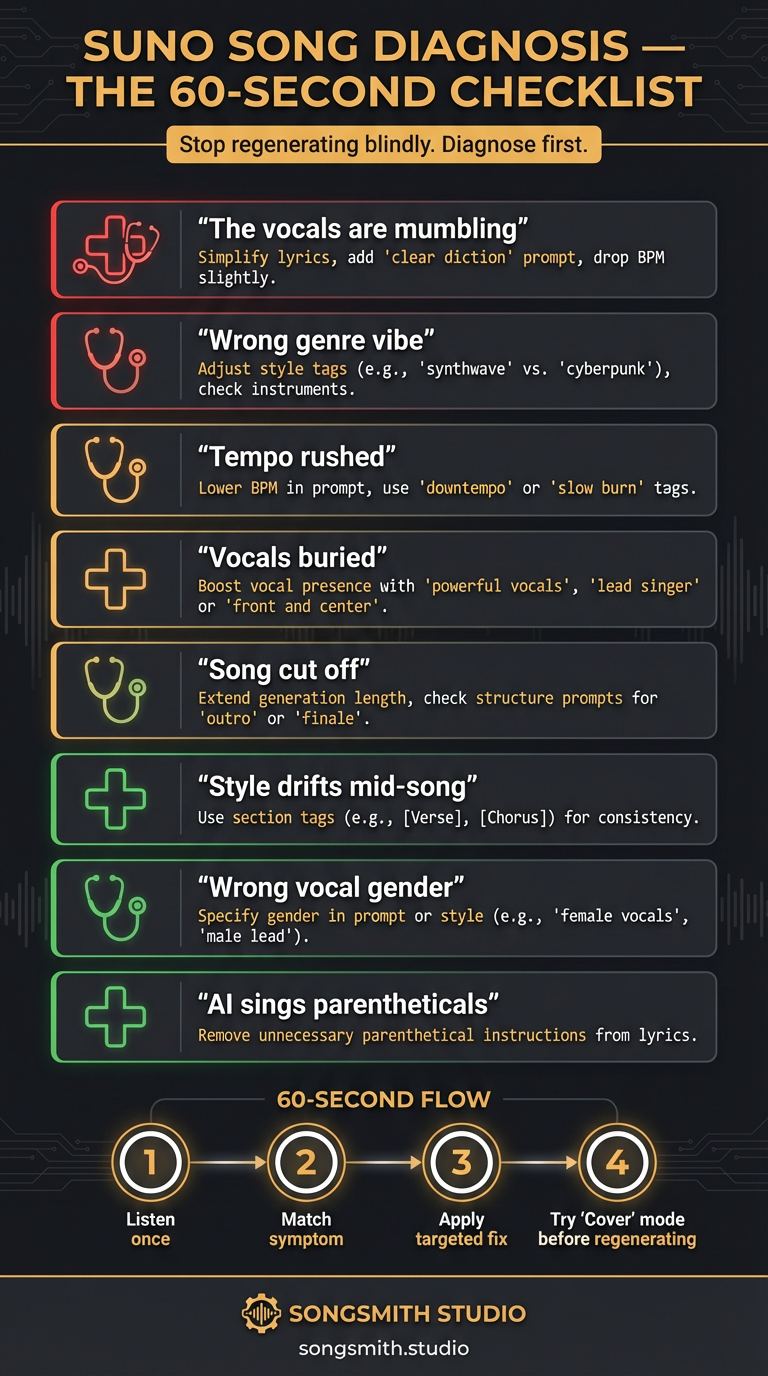
By far the most common question Suno users ask is some version of "why does this sound off?" The instinct is always to regenerate. That's expensive, both in credits and in losing the parts that were actually working. After hundreds of these diagnoses, 90% of "bad generations" come down to 8 specific issues. Run through this 60-second checklist before you regenerate.
Symptom 1: Vocals Are Mumbling / Unintelligible
Cause: Lyrics are too complex or phonetically awkward at that tempo.
- Fix: Simplify word choice, break long lines at natural pause points with commas, and add
clear dictionto the vocal description. - Bonus fix: Drop the BPM by 10 and regenerate only the problem section.
Symptom 2: Wrong Genre Vibe / Feels Off-Style
Cause: The genre tag is buried deep in the style prompt.
- Fix: Move the genre to position 1. First tag = strongest influence.
- Example:
warm analog, lofi hip-hop, 72 BPM→lofi hip-hop, warm analog, 72 BPM.
Symptom 3: Tempo Feels Rushed / Everything's Too Fast
Cause: No explicit BPM, or BPM set too high for the intended feel.
- Fix: Add an exact BPM number. For "chill," use 70–85. For "driving pop," use 118–125.
- Bonus fix: Add
half-time feelorpatient grooveto slow the perceived tempo without changing BPM.
Symptom 4: Vocals Are Buried in the Mix
Cause: Too many wet effects or mix-bus production tags overpowering the vocal.
- Fix: Add
upfront vocal mix, vocal forwardto the prompt, and removeheavy reverborambient washif present. - Bonus fix: Use a
dry vocaltag for intimate moments.
Symptom 5: Song Cut Off Before the Last Chorus
Cause: No explicit outro tag, or structure too long for Suno's default length cap.
- Fix: Add
[Outro: 8 bars, gradual fade]at the end of your lyrics. Never rely on[End]. - Bonus fix: Trim the second verse or shorten the bridge to fit within Suno's duration limit.
Symptom 6: Style Drifts Halfway Through
Cause: Style prompt only influences the beginning; Suno forgets by verse 2.
- Fix: Re-state your key tags inside each section header:
[Chorus: driving rock, anthemic]. - Bonus fix: Limit your prompt to 5–7 descriptive tags, less to drift from.
Symptom 7: Wrong Vocal Gender / Wrong Voice Type
Cause: Vocal descriptor is not prominent enough in the style prompt.
- Fix: Move
"male lead vocal"or"female lead vocal"to position 2 (right after the genre). - Bonus fix: Add a Persona if you have one, Personas override style-prompt descriptions.
Symptom 8: AI Is Singing the Parenthetical Directions
Cause: Production notes inside ( ) get read as lyrics.
- Fix: Use
[ ]brackets for all structural and production notes. Parentheses are never safe. - Example:
(whispered)→[whispered].
The 60-Second Diagnosis Flow
- Listen once and identify the 1–2 biggest issues.
- Match them to the symptoms above.
- Apply only those fixes: don't rewrite the whole prompt.
- Use Suno's Extend or Cover feature to fix just the problem section when possible.
- Only do a full regenerate if 3+ symptoms are hitting at once.
The Cover Mode Trick
Before you regenerate, try Cover mode on the same lyrics + a fixed style prompt. It usually fixes the issue while preserving the parts that were already working. This is the single biggest credit-saver in the Suno workflow. Most users don't realize Cover mode is the right tool for small fixes, not just for full re-interpretations.
The Bottom Line
Most "bad" Suno songs aren't broken. They have one or two fixable style-prompt issues. Diagnose before regenerating, apply targeted fixes, and use Cover mode for surgical repairs. You'll cut your credit spend in half and stop losing the parts of each generation that were actually working.
Create your first Suno album on SongSmith
From a single idea to a complete, YouTube-ready album. AI lyrics, Suno automation, album art, and video rendering — all in one workflow.
Get started freeKeep reading
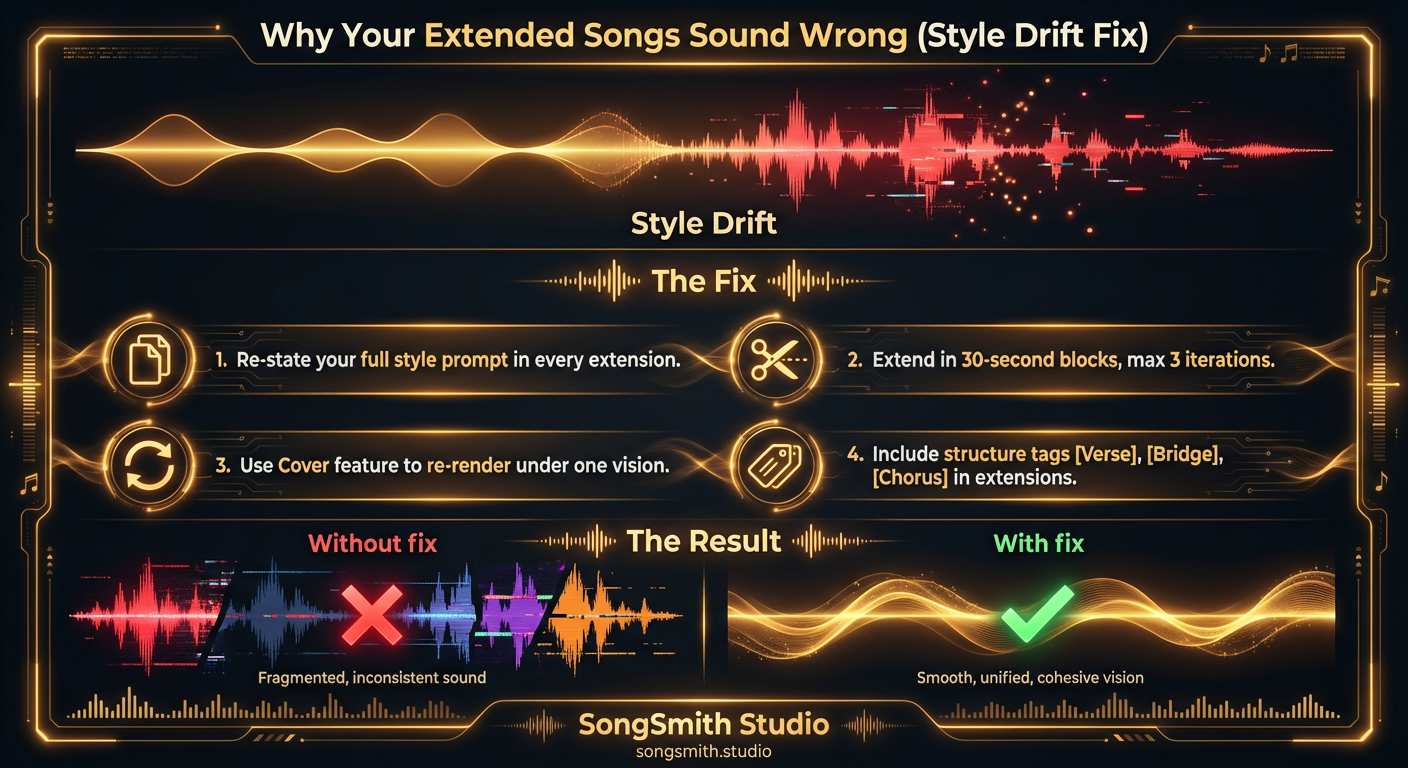
Why Your Extended Songs Sound Wrong (and How to Fix Style Drift)
Style drift ruins extended songs on Suno. Learn why extensions sound different and four proven fixes to maintain consistent sound across full-length tracks.
4 min read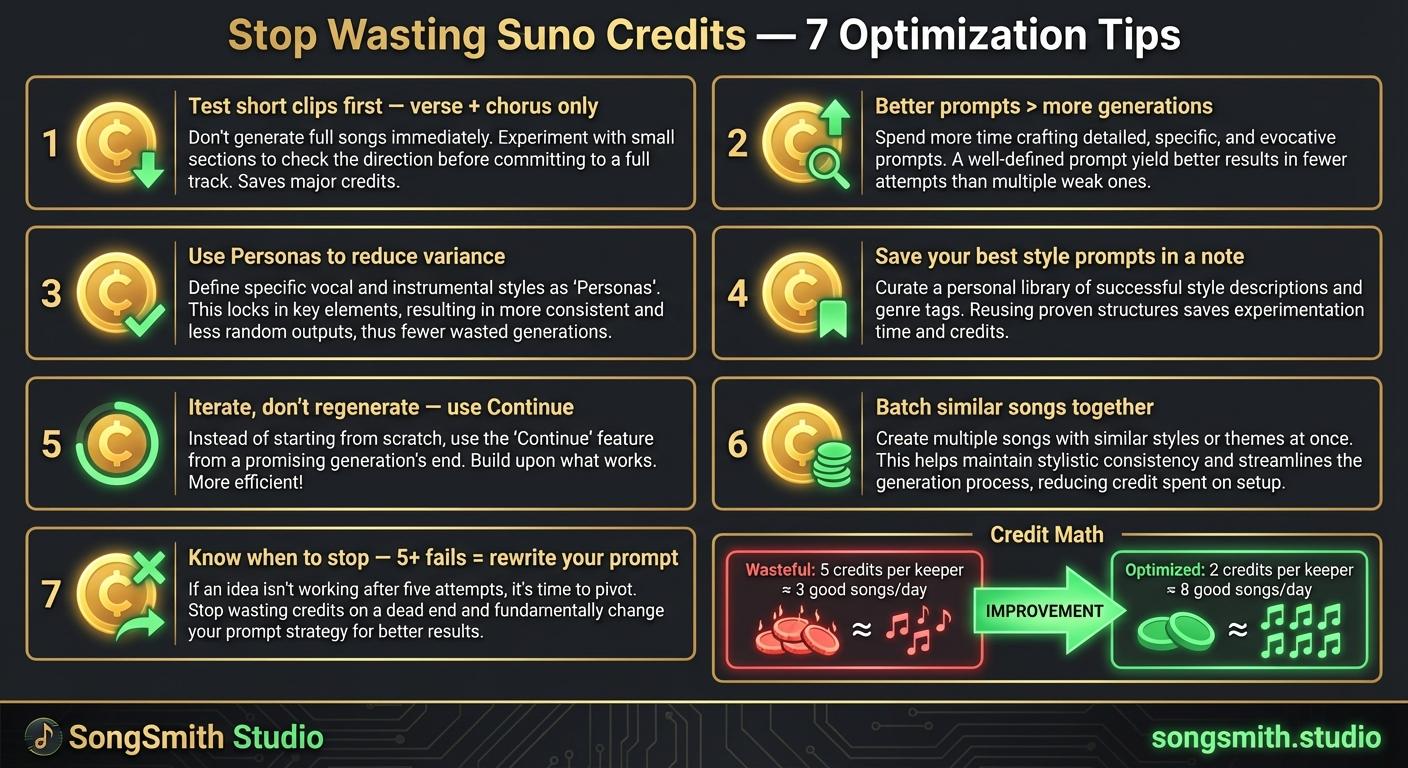
Maximize Your Suno Credits: 7 Proven Ways to Get More Music Per Dollar
7 practical tips to stop wasting Suno credits. Optimize prompts, use personas, iterate instead of regenerate, and double your output per credit.
4 min read![Dark-themed infographic with 5 error/fix rows. Left side has red X icon and mistake. Right side has green checkmark and fix: 1. X Vague prompts → Check Use 4-7 specific descriptors, 2. X No structure tags → Check Use [Verse], [Chorus], [Bridge], 3. X Too many words in style prompt → Check Comma-separated descriptors only, 4. X Regenerating from scratch → Check Use Continue from this song, 5. X Settling on first generation → Check Generate 2-3 versions pick best. Bonus: Ignoring Personas → Use them for consistent vocals.](/_next/image?url=%2Fblog%2F10-five-common-suno-mistakes.jpeg&w=3840&q=75)
Avoid These 5 Mistakes That Most Suno Users Make Repeatedly
Stop making common Suno mistakes: vague prompts, missing structure tags, bloated style prompts, regenerating from scratch, settling on first attempts. Learn the fixes.
3 min read