Humanization Controls: Why Your Suno Songs Sound Too Perfect (and 6 Fixes That Make Them Feel Human)
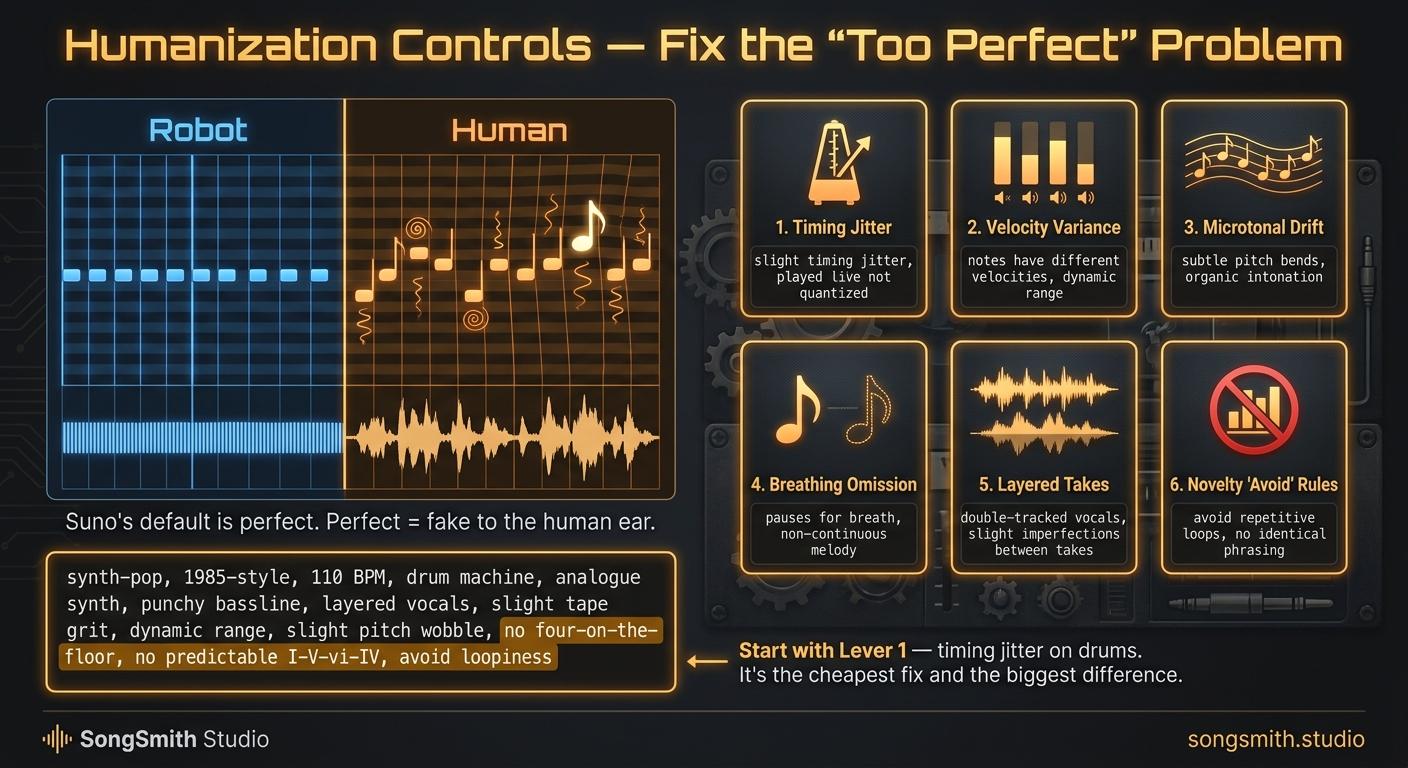
You've heard this song before. Drums perfectly quantized. Vocals locked to the grid. Synth pads holding rock-solid pitch. It sounds like the songwriter is technically gifted and also a robot.
The fix isn't to write a worse song. It's to deliberately introduce imperfection. Real musicians breathe, drift, miss-and-recover. Suno doesn't unless you tell it to.
The 6 humanization levers:
Lever 1: Timing jitter
Add language about slight timing imprecision to the style prompt:
"with subtle timing jitter, slightly behind the beat on the snare, played live not quantized"
Suno responds to this. The result has a human pocket. The drums sit microseconds late or early instead of perfectly on grid. This single change is the difference between "AI" and "garage band."
Lever 2: Velocity variance
Real drummers don't hit every snare at the same volume. Tell Suno:
"varied dynamics, drummer plays softer on the verse hi-hats, accents the 2 and 4 with extra force"
The result: dynamic life. Each repeat of the same instrument sounds slightly different.
Lever 3: Microtonal drift on pads
This is the secret one. Synths in real recordings drift up to 25 cents over a sustained note. Analog hardware does it naturally. Suno's pads sit perfectly in tune by default.
Tell it: "warm analog pad with slight pitch drift, vintage Moog feel"
Suddenly the pads breathe.
Lever 4: The "breathing" omission
Real drummers skip notes. Real guitarists fluff a strum. Tell Suno:
"hi-hats are sparse, drummer leaves space on the and-of-3, breathes between fills"
The negative space is the humanization.
Lever 5: Layered takes with slight panning offset
If you can extend or regenerate sections, do this:
- Generate the same chorus twice
- Layer them in Suno's editor with one panned 15% left and one 15% right
- The microscopic timing difference between the two takes = instant doubled-vocal realism
This is how real pop producers make a single vocal sound like 6 voices.
Lever 6: Novelty "avoid" rules
Add a negative-prompt list at the end of your style box specifically targeting AI clichés:
"no four-on-the-floor kick, no stock EDM drops, no predictable I-V-vi-IV progression, no typical 808 trap hi-hat rolls, no big-name artist imitation"
Suno hears "no X" as "do something else here." It forces variation away from its training-data averages.
The full humanization style-box example:
synth-pop, 1985-style, 110 BPM, melancholic and nostalgic, female alto with raspy texture, analog Moog synths with slight pitch drift, Linn drum machine with subtle timing jitter, vintage tape saturation, varied dynamics across sections, no four-on-the-floor, no predictable I-V-vi-IV, no autotune
Notice it's specific. "Slight" and "subtle" do a lot of work. They tell Suno to keep the imperfection underneath the polish, not to actually sound bad.
Pro tips:
- Don't stack all 6 levers at once on your first generation. Pick 2. Suno can't optimize for everything simultaneously.
- The most impactful single change is Lever 1 (timing jitter on drums). Try it first.
- Lever 3 (microtonal drift) works best on songs with pads: synth-pop, ambient, dream pop. It does nothing on a country song with no pads.
- The Lever 6 "avoid" list is the most overlooked. Suno's defaults are average. You have to actively push it away from them.
- If your song still sounds too perfect, add the line "recorded in one take with the band in the room together" to the style prompt. It triggers the entire vibe.
Save this. Which lever surprised you the most? Drop it below and I'll share the exact phrasing I'd use in the style box.
Create your first Suno album on SongSmith
From a single idea to a complete, YouTube-ready album. AI lyrics, Suno automation, album art, and video rendering — all in one workflow.
Get started freeKeep reading
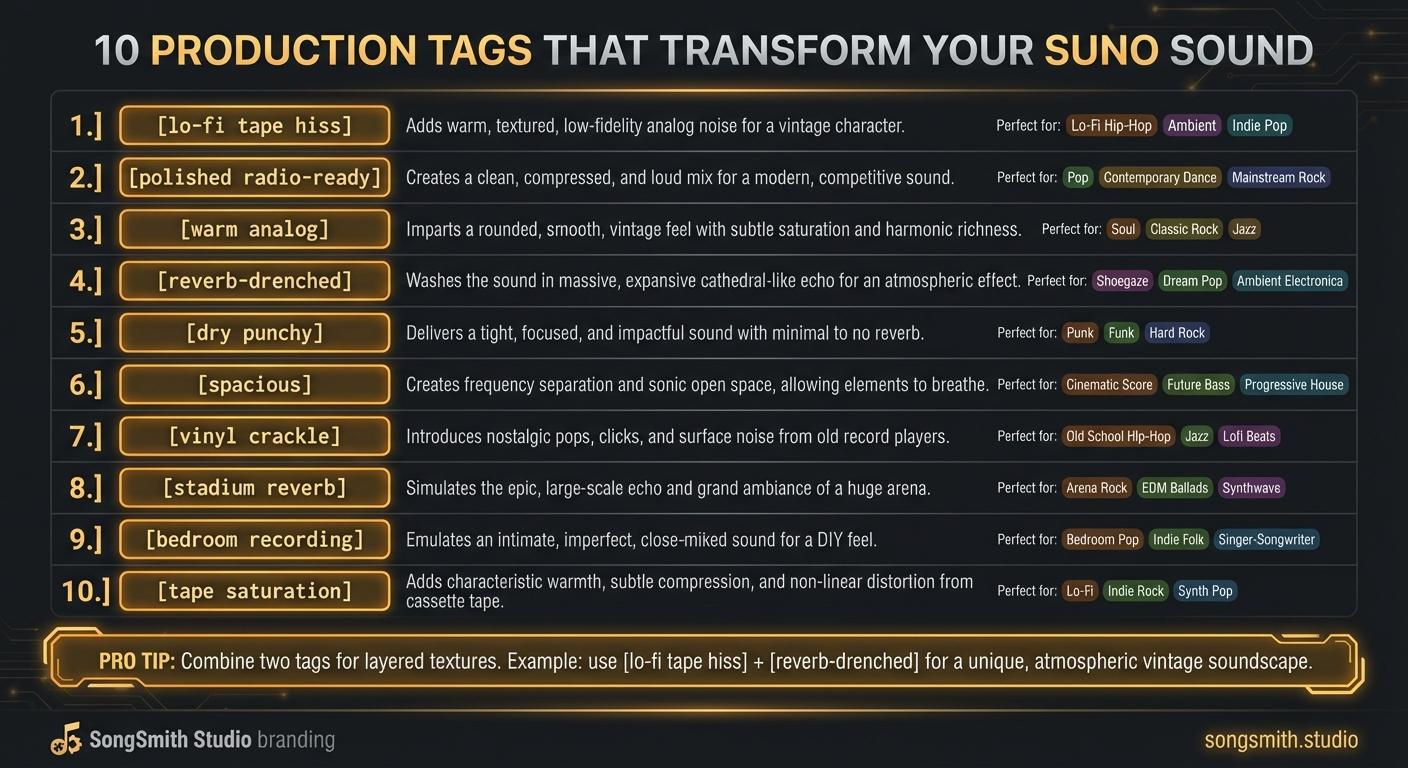
10 Production Tags That Transform Your Suno Sound
Master production tags to control texture, space, and vibe in Suno. Learn lo-fi, polished, analog, reverb, and more, transform your track's sonic character.
4 min read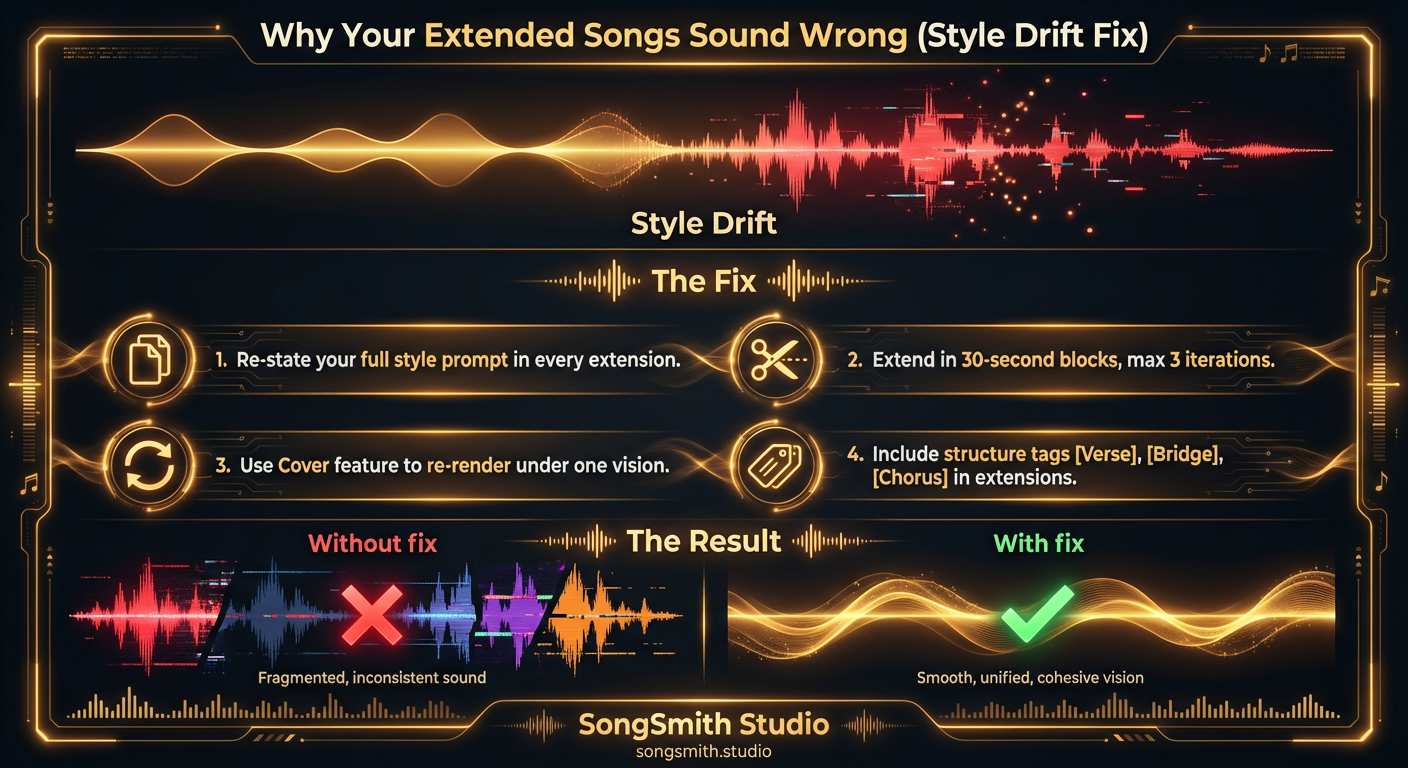
Why Your Extended Songs Sound Wrong (and How to Fix Style Drift)
Style drift ruins extended songs on Suno. Learn why extensions sound different and four proven fixes to maintain consistent sound across full-length tracks.
4 min read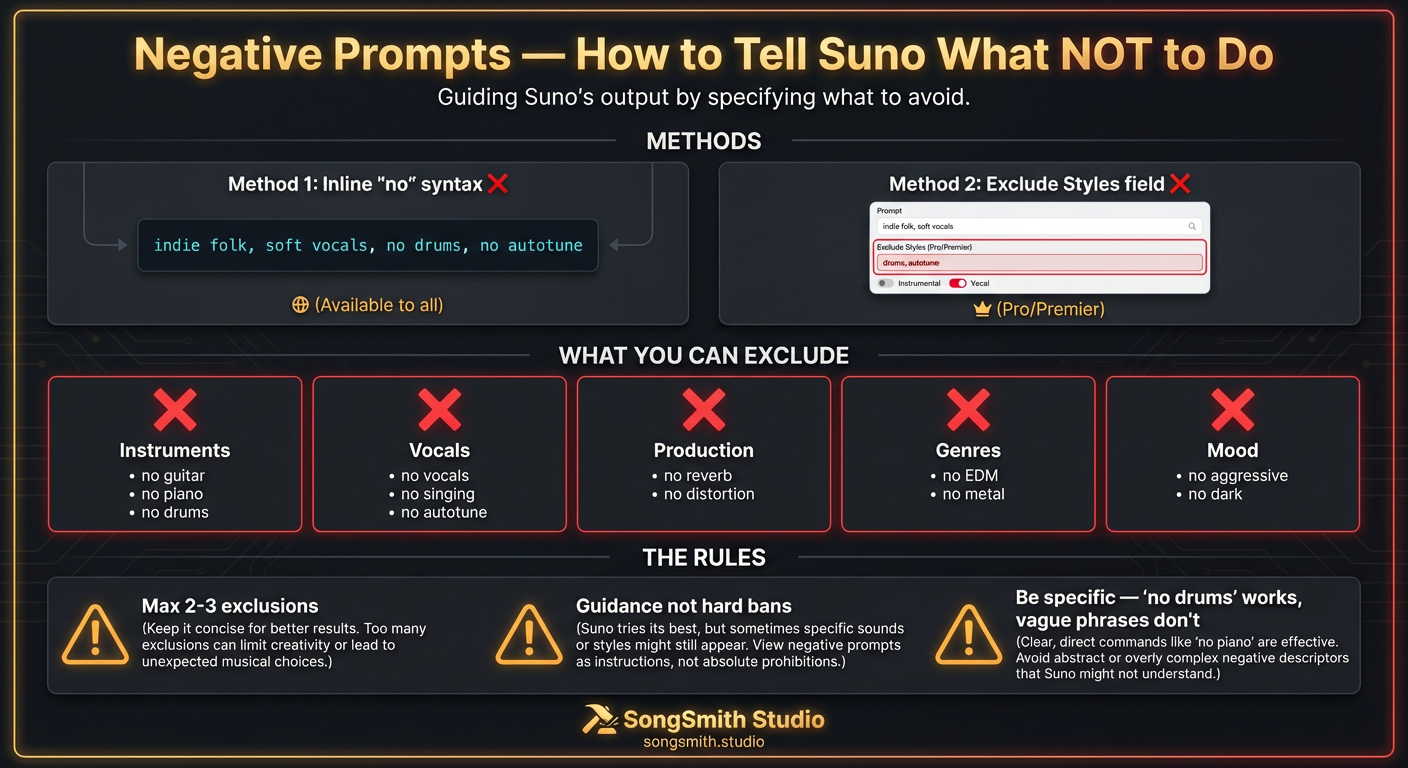
Negative Prompts: How to Tell Suno What NOT to Do
Master Suno negative prompts with 'no' syntax. Exclude instruments, vocals, production, genres. Best practices and working exclusion combinations.
2 min read